Instagram DM assistant
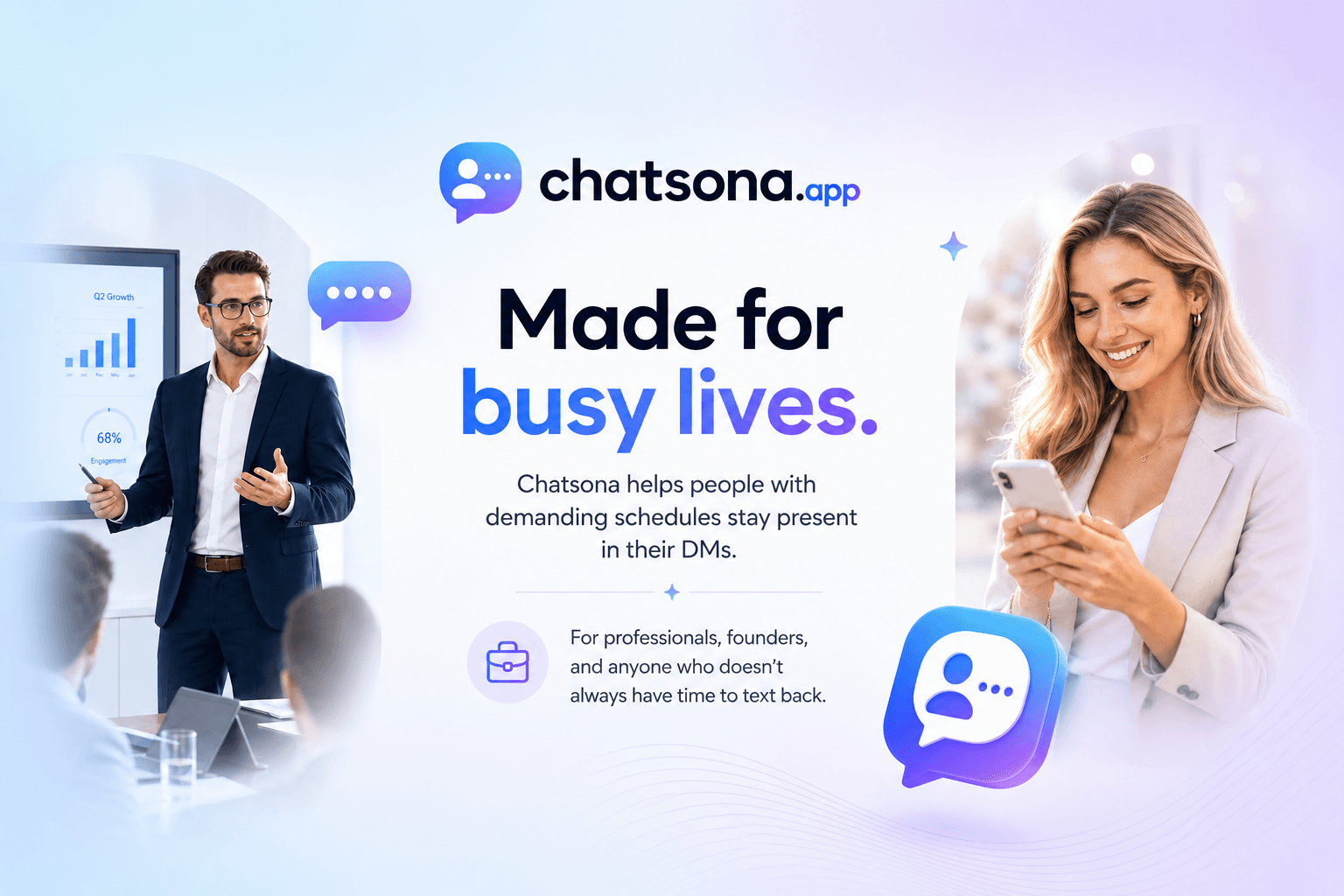
Chatsona keeps your DMs alive when you're busy. It replies in your tone, remembers the context, and keeps conversations feeling personal.
50+
Users
10,000+
Replies generated
50,000+
Minutes saved
A few simple steps, and your DMs are ready to run with your tone.
1
Create your account
2
Set up your inbox
3
Shape the vibe
4
Let chatsona.app work its magic
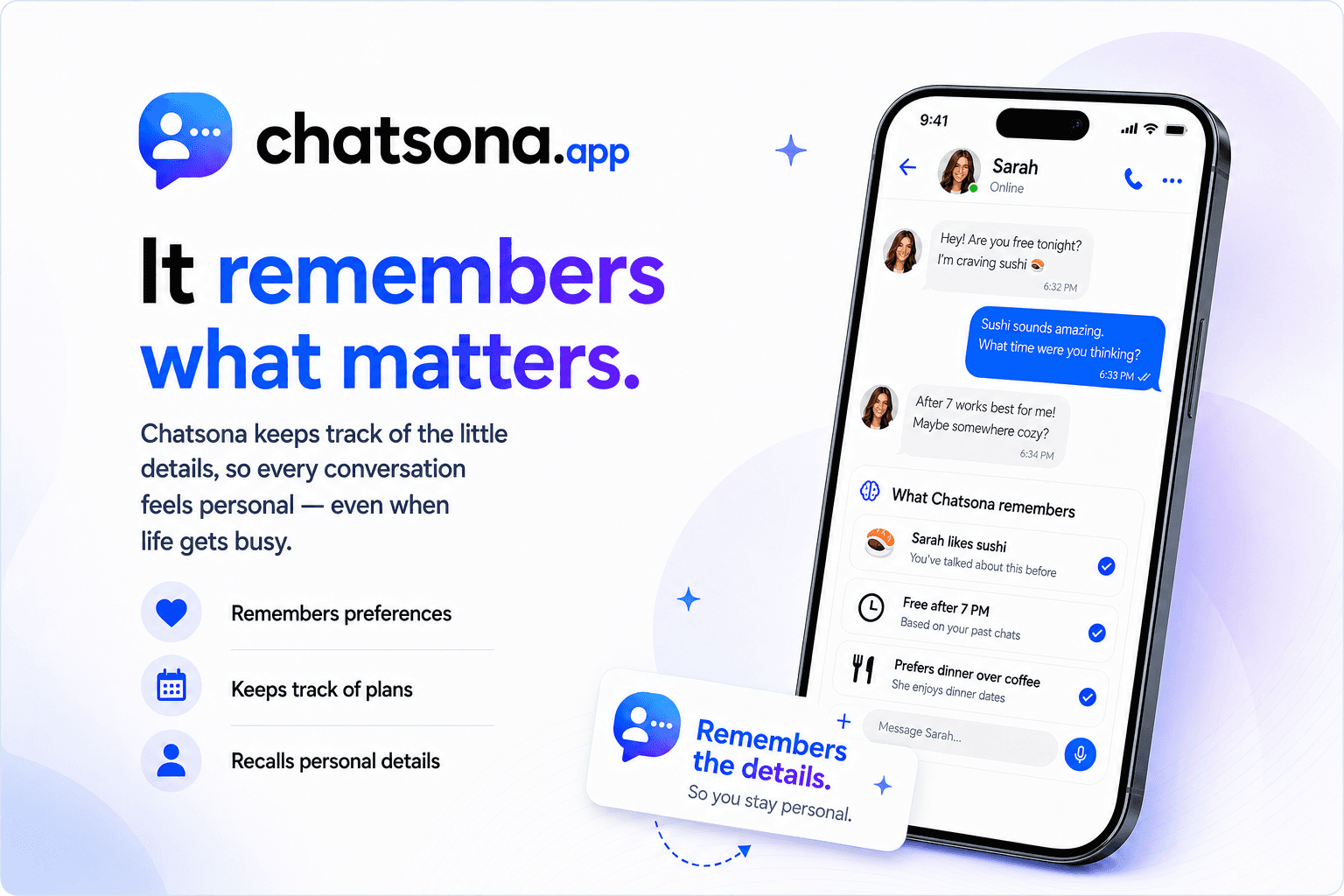
Conversation memory
 keeps track of the little details.
It remembers preferences, plans, and personal context, so every DM feels thoughtful even when your day is already full.
Human handoff
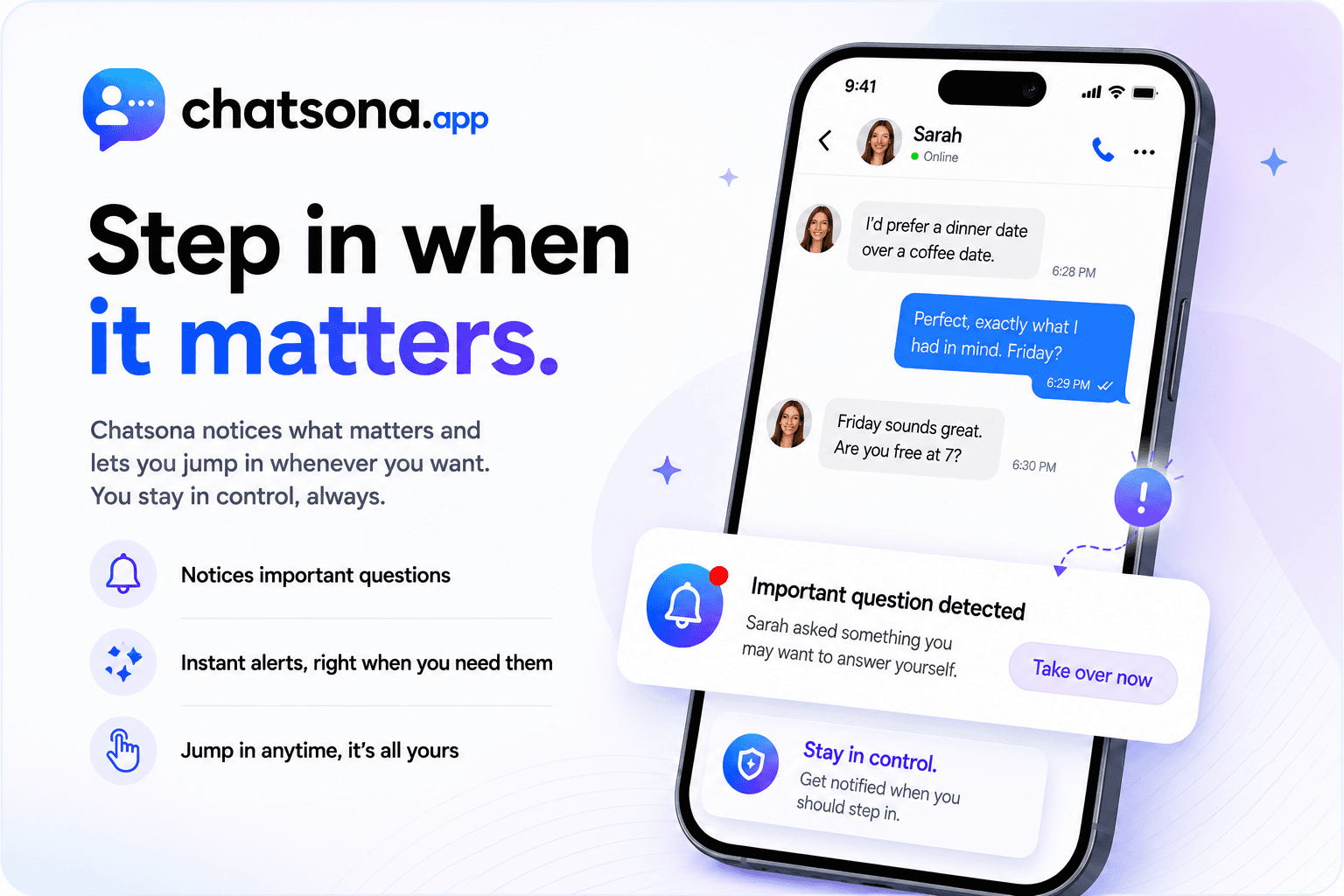
Step in when it matters.
Chatsona notices important questions and lets you jump in whenever you want. You stay in control while the assistant keeps the conversation warm.
FAQ
Questions before you hand over the busy work?
A few practical answers about privacy, control, and training your assistant before going live.
Does my Instagram account need to be public to use Chatsona?+
No. Chatsona can also work with private accounts, as long as the connected Instagram session has access to the inbox you want to manage.
Are replies sent automatically?+
You stay in control. You can first generate replies, edit them, and send them manually. When you feel the assistant is ready, you can enable automatic sending for the conversations you choose.
What if I do not like a generated reply?+
After creating your style, you can review the first generated replies, edit them, and explain what should be improved. Chatsona uses that feedback to align future replies more closely with your tone and expectations.
How does Chatsona understand my communication style?+
You can define your style directly in the bot profile settings, or upload screenshots of previous conversations so Chatsona can draft a style profile for you. You can then review and refine that profile before using it live.
Ready to make your DMs feel alive?
Join the waitlist and be first to try Chatsona when early access opens.
Join waitlist